Piano PDFs on an iPad or tablet: apps, page size and page turns
Every sheet I sell comes as two files: a PDF, ready to print, and a MIDI file of the same arrangement. Printing is not the only option, though. You can also put an iPad or an Android tablet on your music stand and read the PDF there.
Here is how to get the file onto the tablet, three apps that open it, and a few things to know about page size and page turns. The apps are made by other companies, and this site has no link with any of them.
Getting the PDF onto your tablet
After payment, you need to log in to see your files on your account page, under Downloads. Each file can be downloaded up to 20 times, and the link does not expire. I suggest logging in from the tablet itself and downloading the PDF there.
On Android, downloaded files usually go to the Download folder in the device’s internal storage, and the Files by Google app shows them under Downloads. For the iPad, the sections below say how each app opens a PDF.
Since the download counter stops at 20, I would also keep a copy of the PDF in cloud storage, so it is never stored in just one place.
Three apps that open your PDF
Apple Books
Apple Books is built into the iPad, so there is nothing to install. To save a PDF to Books, open it, tap the Share button, then tap Books. In some apps the option is called “Copy to Books”, and if Books is not in the row, tap More.
To write on the page, open the PDF, tap the page, then tap the Markup button for the drawing and annotation tools.
forScore
forScore runs on Apple devices only: iPhone, iPad, Mac and Apple Vision Pro. It is a universal purchase, so you buy it once and install it on all of them.
With it, you can annotate, create setlists, rearrange pages and add bookmarks. With Apple Pencil, in its maker’s words, “annotating is as simple as drawing”. Pages can be turned with page-turning devices, with MIDI signals, or with its built-in remote control system.
MobileSheets
MobileSheets runs on Android, Windows, iOS and macOS. On Android there is a free trial version, MobileSheetsTrial, to test the features before buying.
It can import files from Dropbox, Google Drive or OneDrive. For annotations it offers multiple layers, stylus drawing, highlighting and stamps. You can connect a Bluetooth pedal to turn pages with your feet, display half pages in portrait, and group your scores into setlists.
Page size and page turns
27 of my 28 PDFs are US Letter size; the Outer Wilds theme is A4. In my opinion, unless the tablet screen is large, a page of either size will look smaller than on paper, so I suggest a larger tablet. A half-page view can also help.
Page turns matter too. A page-turning pedal frees both hands, which counts for more on longer sheets.
Finally, the MIDI file is for listening and practice. The PDF is what goes on the stand.
Find a sheet to start with
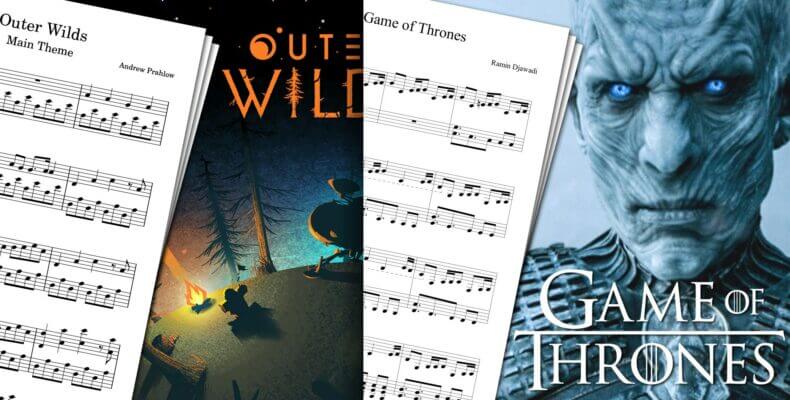
To see how a sheet looks on your tablet, the Outer Wilds theme piano sheet music is my only A4 sheet, and the Game of Thrones theme piano sheet music is easy and 3 pages long. All my arrangements for solo piano (TV themes, video game music, film music and rock songs) are on the main piano sheet music page.
Which app do you use to read your scores? Let me know.